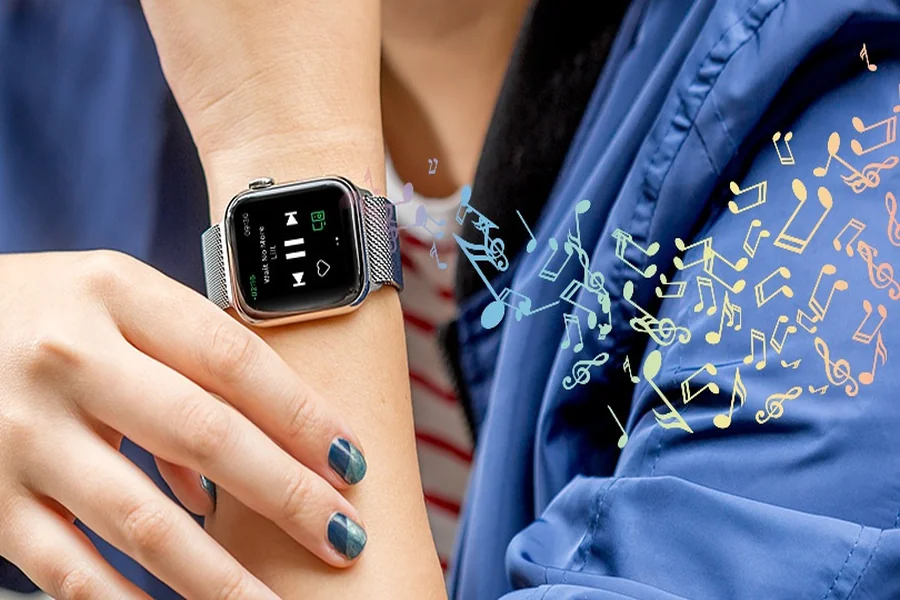
Most of us do not pick up our phones because we want to spend half an hour on them. We pick them up to check the weather, answer a quick text, set a timer, or settle a trivia argument. Somewhere between the first tap and the last scroll, the quick task turns into a detour. If that sounds familiar, you are in good company.
The Pull Is Real
A Pew Research Center survey from mid-2026 found that just over half of U.S. adults say they spend too much time on their smartphone. About one in four say they use it almost constantly, and 45 percent tried to cut back over the past year. Of those who tried, only a quarter described themselves as extremely or very successful.
Willpower alone is a tough sell, because most of those pickups are legitimate. The better question is how to handle the small stuff without opening a screen at all.
Why Quick Checks Cost More Than They Seem
Every switch from what you are doing to your phone and back carries a small mental toll. The American Psychological Association notes that switch costs may be just a few tenths of a second each but can add up when people switch repeatedly. One psychologist it quotes estimates that even brief mental blocks from shifting between tasks can cost as much as 40 percent of someone’s productive time. That figure is a ceiling and depends on the task, but the direction is clear: a reflexive check is rarely as free as it feels.
Your Eyes Pay Too
Screens add a physical cost on top of the mental one. Mayo Clinic lists looking at digital device screens among the common causes of eyestrain, alongside symptoms like sore, tired, or burning eyes, headaches, and blurred vision. Its suggested fix is refreshingly simple: take breaks, and try the 20-20-20 rule, which means looking at something 20 feet away for at least 20 seconds every 20 minutes. It also suggests asking your optometrist about eyewear designed for screen-heavy work if you already wear glasses.
Handle the Small Stuff by Voice
Voice control is one of the most practical ways to shrink the number of pickups, because the tasks that trigger them are usually small and easy to say out loud. What is the weather this afternoon? Set a ten-minute timer. Text Sam that I am running late. Convert two cups of flour to grams. A speaker on the counter already handles a few of these at home. What is changing is where the microphone lives.
Why Eyewear Is a Natural Home for Voice
If you wear glasses all day, your frames are the one piece of tech already sitting on your face. That is the idea behind Ray-Ban glasses with voice commands: you can ask a question, make a call, or start a song while your hands stay on the groceries, the dog’s leash, or the stroller, and your phone stays in your pocket. Because they come in versions made to take prescription lenses, you do not have to give up your everyday lenses to try it.
It will not turn you into a minimalist. Voice commands need a decent connection and sometimes a repeat, and some jobs, like reading a long article or comparing prices, are simply better on a screen. The point is to move the five-second tasks off the screen so that fewer pickups turn into twenty-minute detours.
A Short Checklist Before You Try It
Treat this like any other everyday gear purchase. A few questions will tell you more than a product page.
Is it comfortable all day? Weight, nose pads, and pressure behind the ears matter far more at hour eight than at minute ten. Get a proper fitting rather than guessing.
Does it work with your prescription? Check which prescriptions and lens types are supported before you commit, and ask whether lens options like tints or light-adaptive lenses are available.
How well does voice work in your real life? Test it somewhere noisy, like a busy street or a kitchen with the fan on, and see how often you need to repeat yourself.
Will the battery fit your day? Look at the stated battery life for typical use, and think about where the charging case will live.
Are you comfortable being the one with the microphone? A wearable microphone, and in some cases a camera, raises etiquette questions. Ask before recording anyone, follow venue rules, and leave it off in private spaces.
Habits That Make It Stick
Pick three tasks. Timers, weather, and quick messages are good starters. Moving three small jobs to voice is easier to sustain than a vague promise to use your phone less.
Create distance. Keep the phone out of reach during meals and focused work blocks. If a task can be handled by voice, you will not miss it.
Schedule your eye breaks. A repeating reminder for the 20-20-20 rule is cheap, and it works best when the break does not involve another screen.
Check your progress weekly. Pew’s finding that most people who try to cut back are only somewhat successful is a good argument for a concrete plan. A quick weekly look at your pickups will tell you whether the plan is working.
Fewer Detours, Not Fewer Tools
The goal is not to abandon your phone. It is to stop letting every small question pull you into the whole device. Handle the quick things by voice, give your eyes regular breaks, and save the screen for the moments that actually deserve it.